
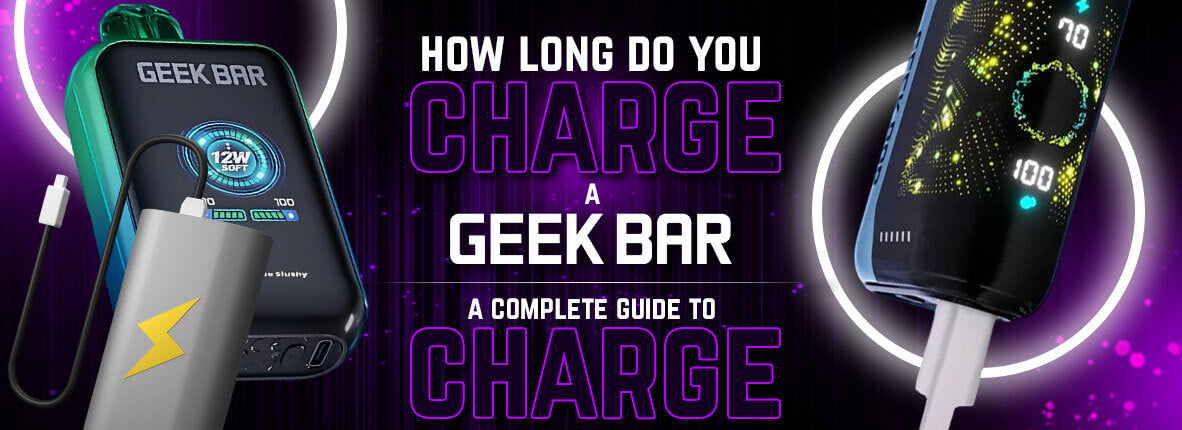
How Long Do You Charge a Geek Bar: A Complete Guide to Charging
When it comes to enjoying your Geek Bar, there’s nothing worse than running out of battery mid-session. While disposable vapes are typically designed for convenience, some Geek Bar models come with rechargeable batteries, giving you more value for your purchase. However, to get the best performance, it’s important to know this: how long do you charge a Geek Bar, how to avoid overcharging, and what steps to take for safe charging. In this guide, we’ll cover everything you need to know.
Understanding Your Geek Bar Model
The first step is to know whether your Geek Bar is rechargeable or not. Many Geek Bar products are completely disposable and do not need charging at all—once the battery runs out, you simply replace the unit. However, newer Geek Bar models, especially those with larger e-liquid capacities, often feature a built-in rechargeable battery. These devices typically use a USB-C port for quick and efficient charging. Before charging, check your device’s specifications to confirm that it is rechargeable.
How Long Should You Charge a Geek Bar?
For most rechargeable Geek Bar models, charging time usually ranges between 40 minutes to 1 hour. The exact time depends on the battery capacity, which is often between 500mAh to 600mAh. Using a compatible charging cable and a proper power source ensures that your device charges within this time frame.
Charging times can vary based on factors such as:
• Battery size – Larger batteries require more time to charge.
• Charger type – USB-C chargers generally provide faster charging compared to older micro-USB models.
• Power source – Charging from a wall adapter is often quicker than using a laptop USB port.
Signs That Your Geek Bar Is Fully Charged
How long do you charge a Geek Bar? Most rechargeable disposable vapes from this brand have an LED light indicator that helps you track the charging process. The light may blink while charging and turn solid—or switch off—once charging is complete. Keeping an eye on this indicator helps you avoid overcharging, which can shorten battery lifespan.
Avoiding Overcharging and Battery Damage
Leaving your Geek Bar plugged in for hours after it’s fully charged can reduce the battery’s performance over time. It’s a good habit to unplug your device once the LED light shows it’s ready. Overcharging also generates unnecessary heat, which is best avoided to maintain the safety and efficiency of your Geek Bar vape.
Charging Your Geek Bar Safely
Safe charging isn’t just about getting the most from your battery—it’s also about preventing hazards. Follow these guidelines for safe charging:
• Use only the charging cable provided with your device or a compatible replacement.
• Plug into a standard wall adapter rather than a high-voltage fast charger.
• Avoid charging your device overnight.
• Keep your device on a flat, non-flammable surface during charging.
• Never use a damaged charging cable.
These precautions help extend the life of your Geek Bar and reduce the risk of battery-related issues.
What to Do if Your Geek Bar Isn’t Charging

If you’ve plugged in your Geek Bar and nothing happens, don’t panic. Here are a few troubleshooting steps:
1. Check the cable and port: Dust, debris, or damage to the charging port can prevent a proper connection.
2. Try another power source: Switching to a different wall adapter or USB port might solve the problem.
3. Replace the cable: Sometimes the charging cable itself is the issue.
4. Inspect for damage: If the device has visible damage, it may no longer be safe to use.
If the device still won’t charge after troubleshooting, it’s best to replace it.
Maximizing Battery Performance
A well-maintained battery not only charges faster but also lasts longer. Here are a few extra tips:
• Avoid draining your battery completely before recharging.
• Store your Geek Bar at room temperature.
• Don’t expose it to direct sunlight for extended periods.
• Use the vape regularly - long periods without use can affect battery health.
Why Buy Your Geek Bar from CSVAPE
If you’re looking for a reliable source for your Geek Bar and accessories, CSVAPE is your go-to destination. Known for offering authentic products, CSVAPE ensures that you get genuine Geek Bars with long-lasting performance. Plus, their knowledgeable team can help you choose the right model, explain proper charging practices, and recommend compatible accessories so you can enjoy your vaping device with complete peace of mind.
Closing Thoughts on Charging Geek Bar Devices
How long do you charge a Geek Bar? Knowing the answer to this question and following best practices for battery care can make a big difference in your vaping experience. Most models take under an hour to fully charge, but keeping an eye on the LED indicator ensures you don’t overcharge. Pair that with safe charging habits, and you’ll enjoy consistent performance every time. For authentic products and expert guidance, trust CSVAPE to keep you vaping smoothly.
Must Read: Does a Geek Bar Get You High?
FAQs
Q1. Can I use any USB charger to charge my Geek Bar?
A1. It’s best to use the charger that comes with your Geek Bar or a compatible USB-C charger. Using incompatible chargers may damage the battery or affect charging efficiency.
Q2. How do I know if my Geek Bar battery is dying?
A2. If your device charges quickly but drains very fast or fails to hold a charge, the battery might be degrading. In such cases, replacing the disposable unit is recommended.
Q3. Is it safe to vape while charging my Geek Bar?
A3. Vaping while charging is generally not recommended as it can cause overheating or damage the battery. Always wait until the device is fully charged before using it.
Q4. How often should I charge my Geek Bar?
A4. Charge your Geek Bar when the battery runs low. Avoid frequent partial charges; instead, charge it fully to maintain battery health and ensure the best vaping experience.
Q5. Can extreme temperatures affect my Geek Bar’s battery life?
A5. Yes, exposing your Geek Bar to very high or low temperatures can reduce battery performance and lifespan. Store and charge it at room temperature for optimal results.


Share:
Are Zone Nicotine Pouches Safe? The Truth Behind the Rumors
How Long Do Rogue Nicotine Pouches Last: The Perfect Guide